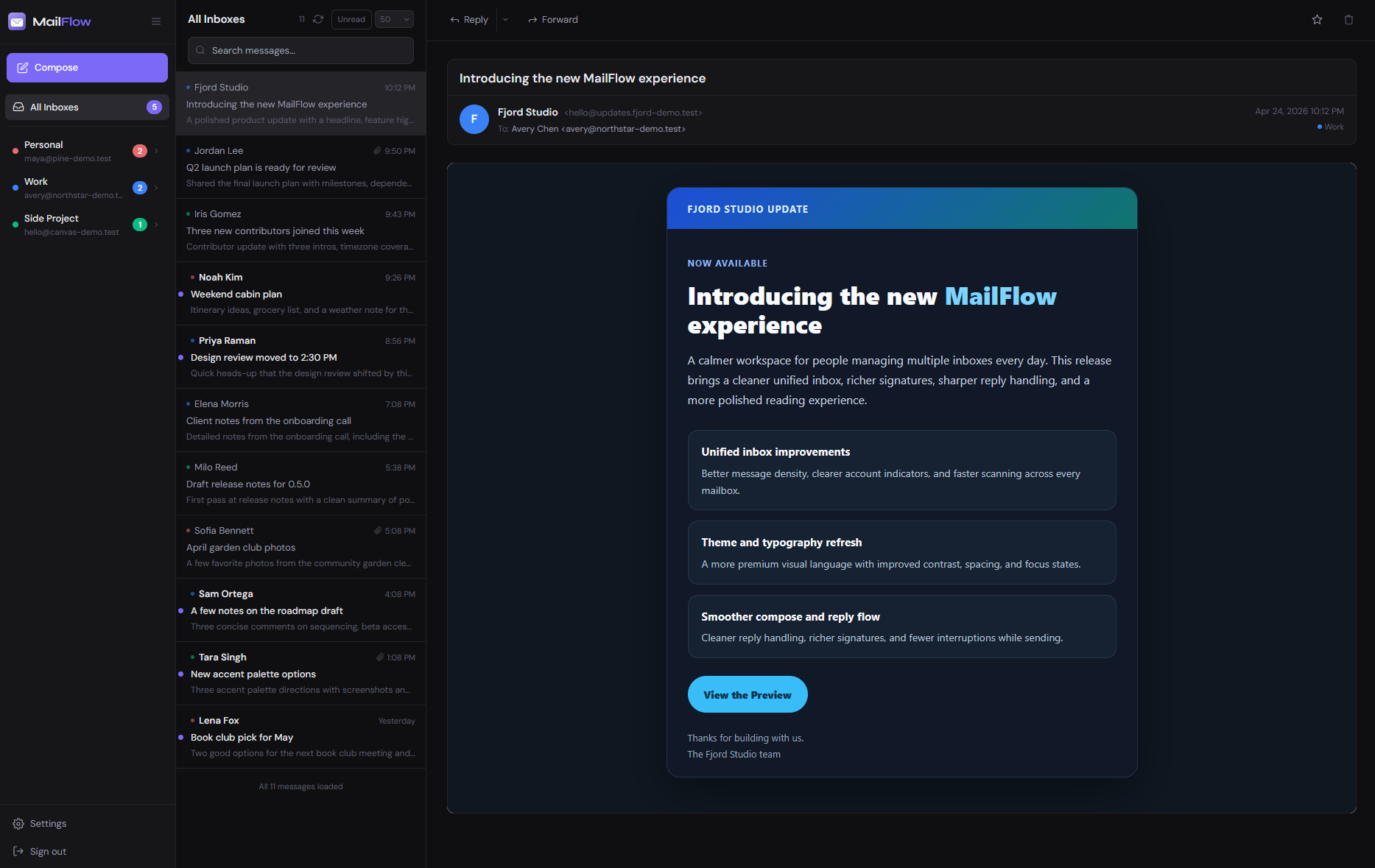
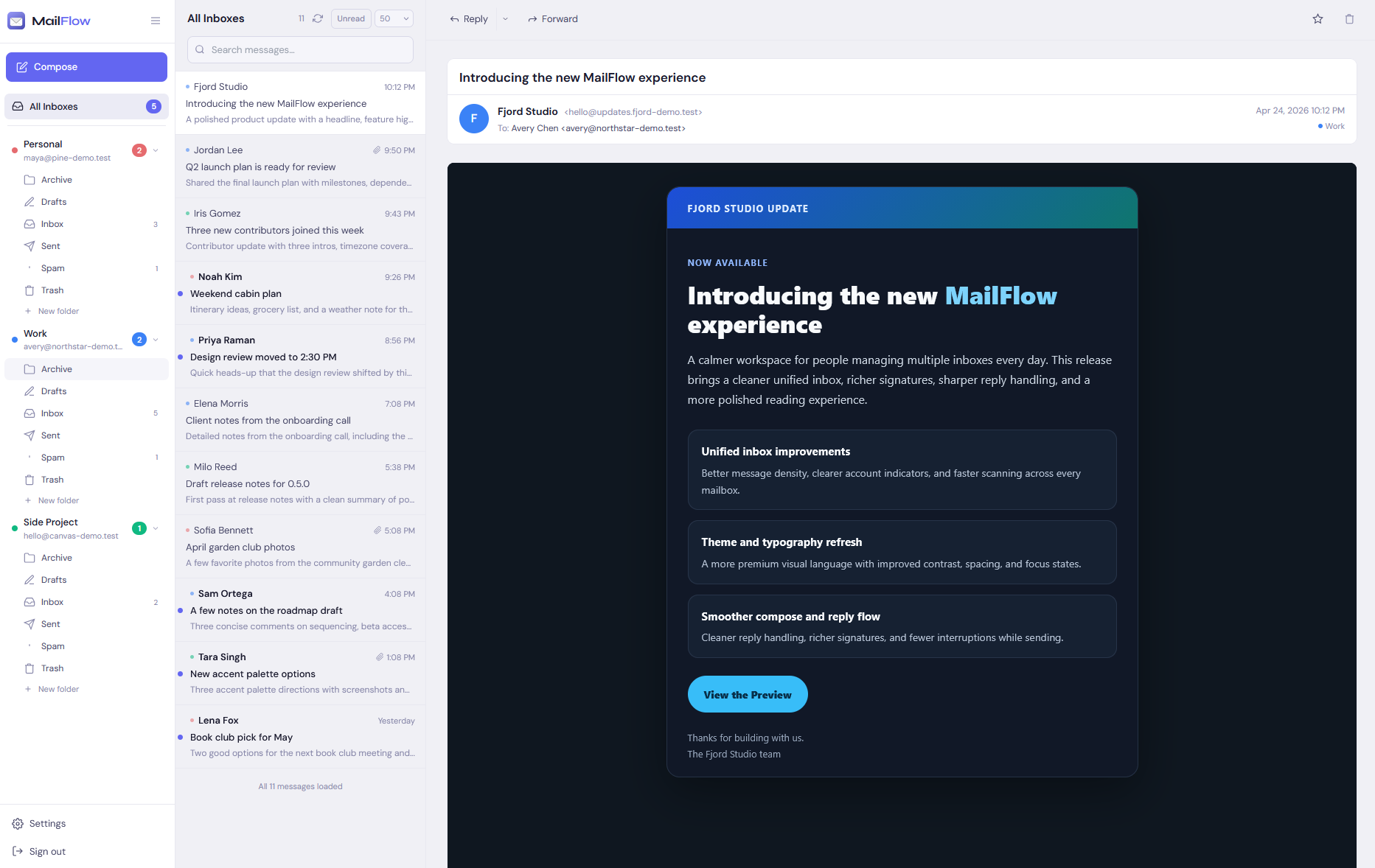
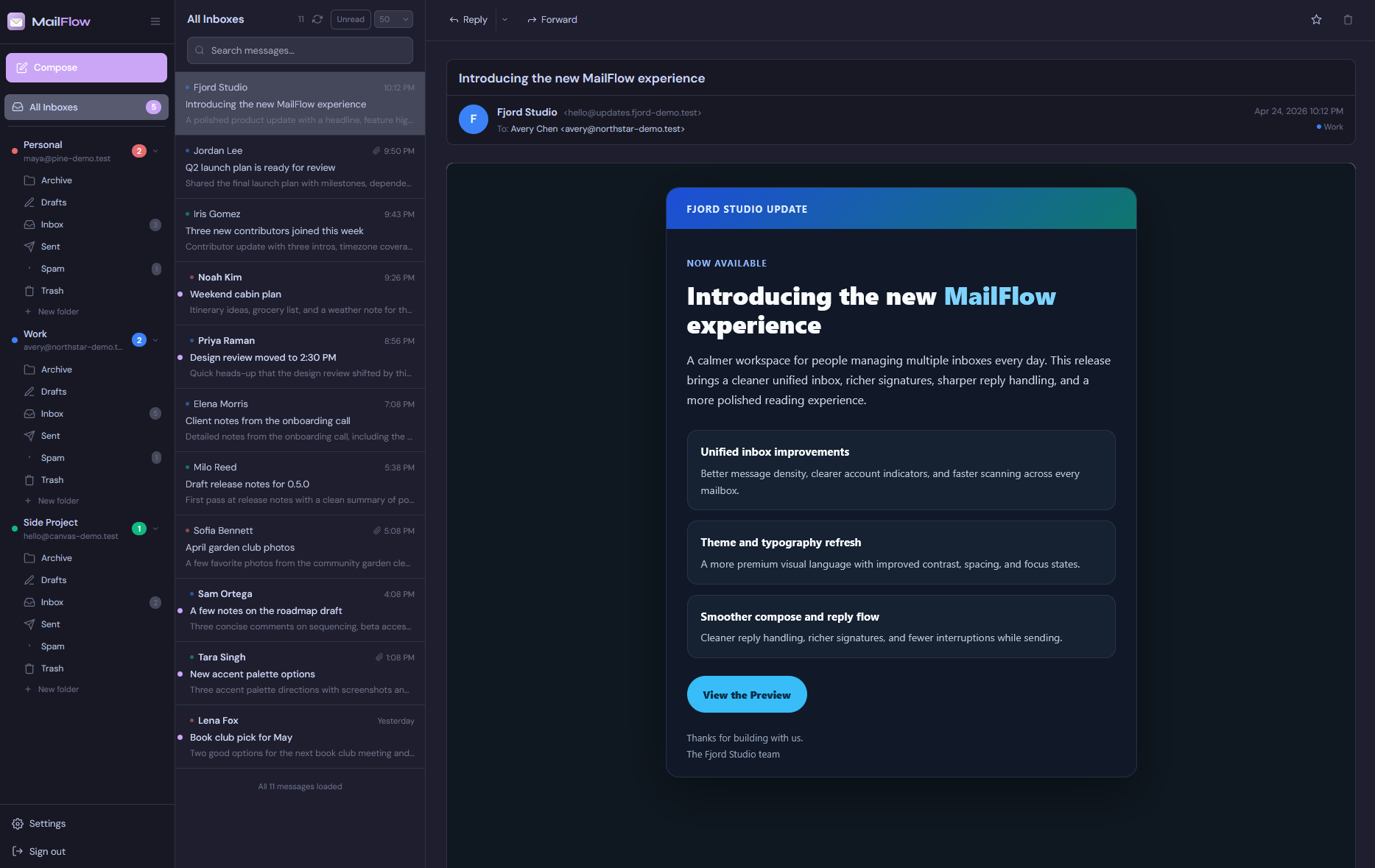
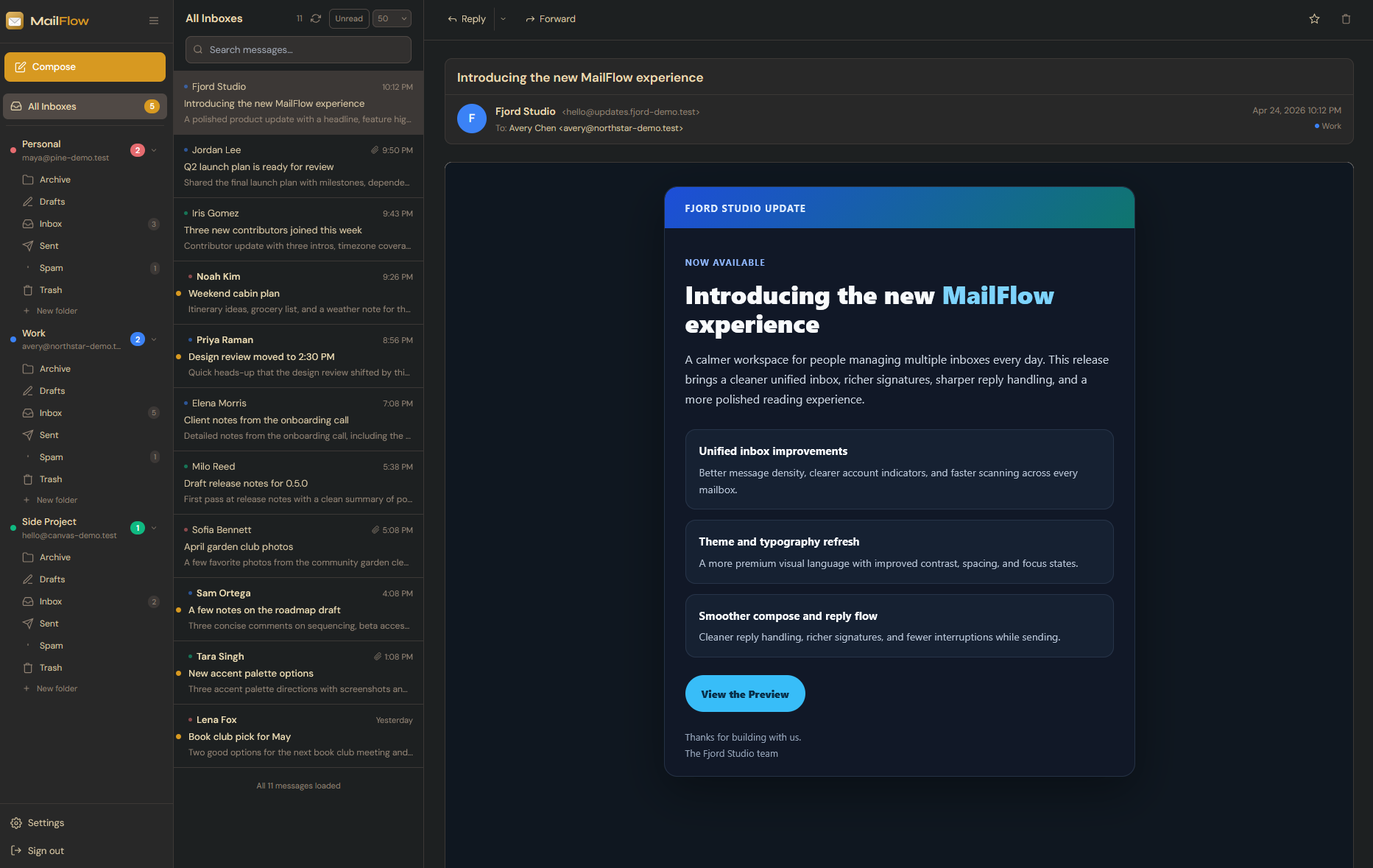
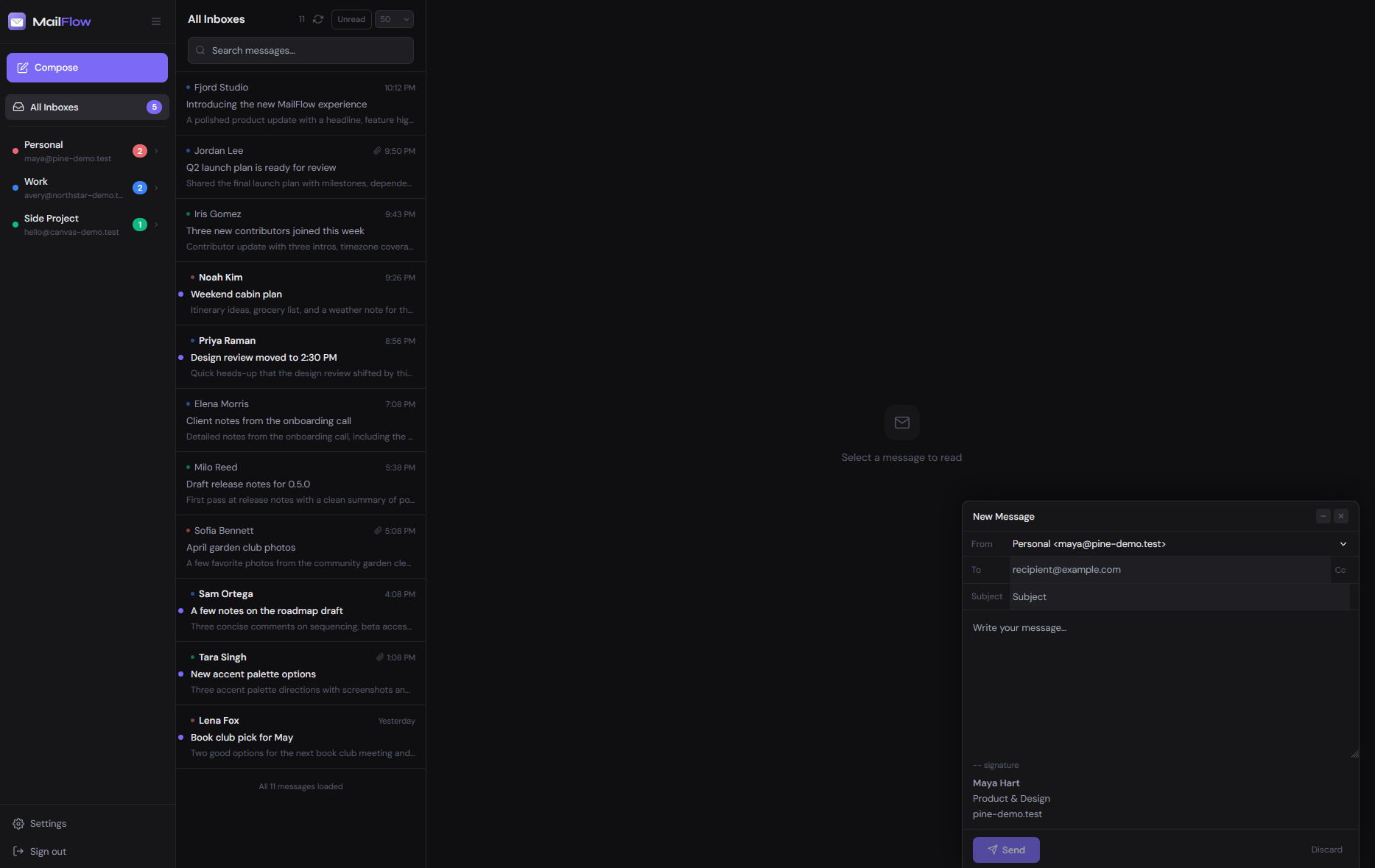
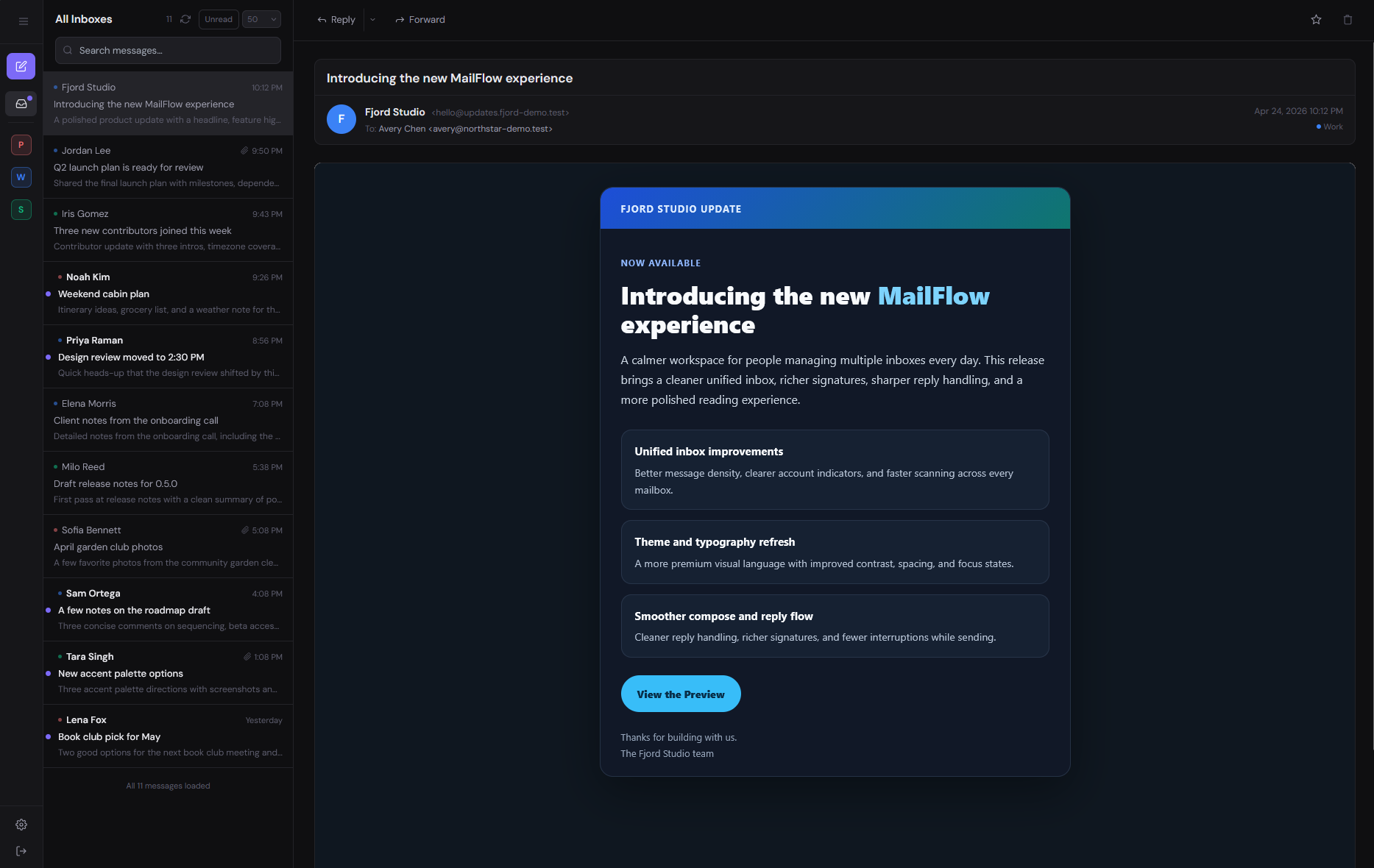
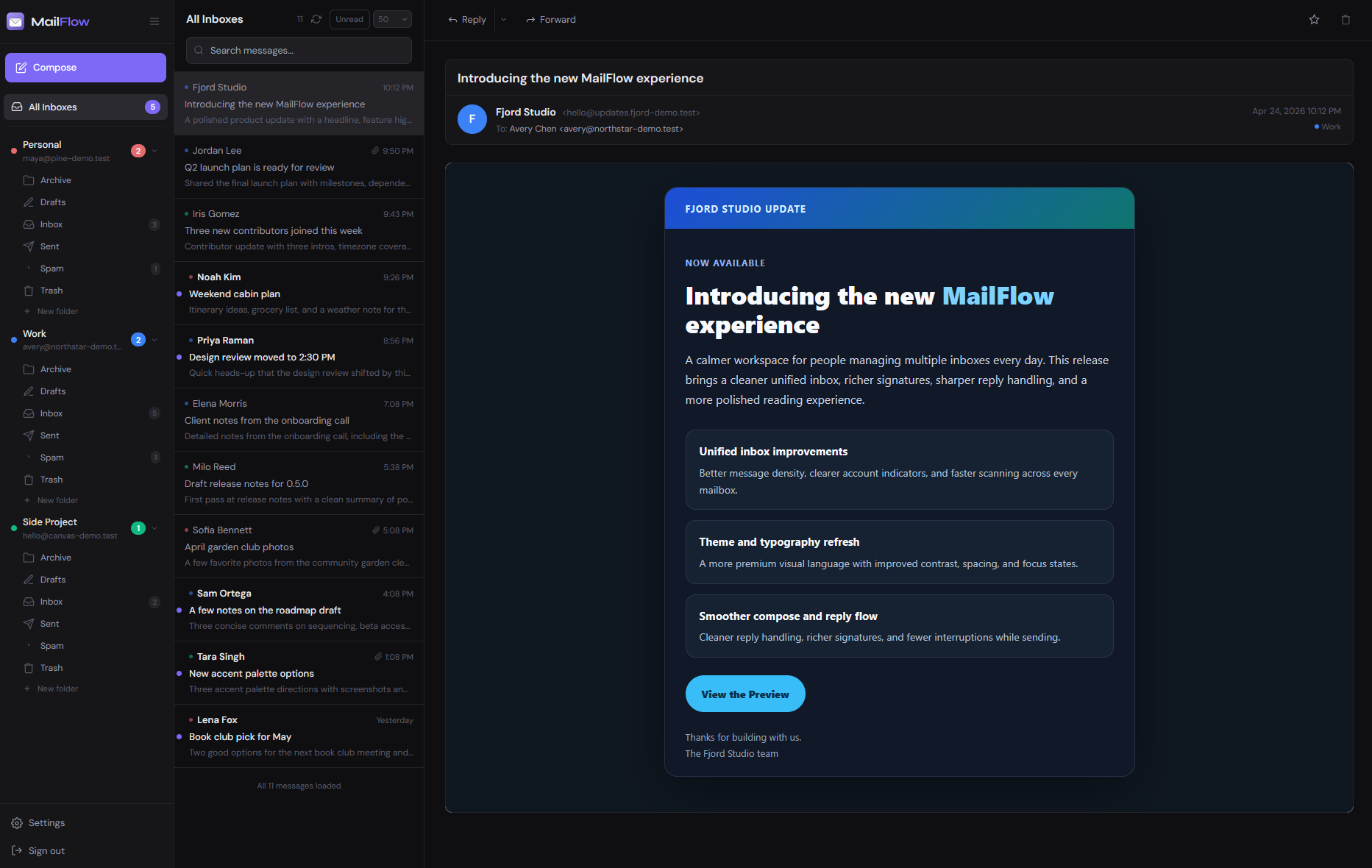
MailFlow is a self-hosted, open-source webmail client. Connect Gmail, iCloud, Outlook, and any IMAP account — then read, search, and reply from one fast, clean browser interface you control completely.
Works with your favourite email providers
Built for people who want a beautiful webmail experience without handing their inbox to a third party.
Every account in a single, chronological feed. Stop switching tabs and start reading.
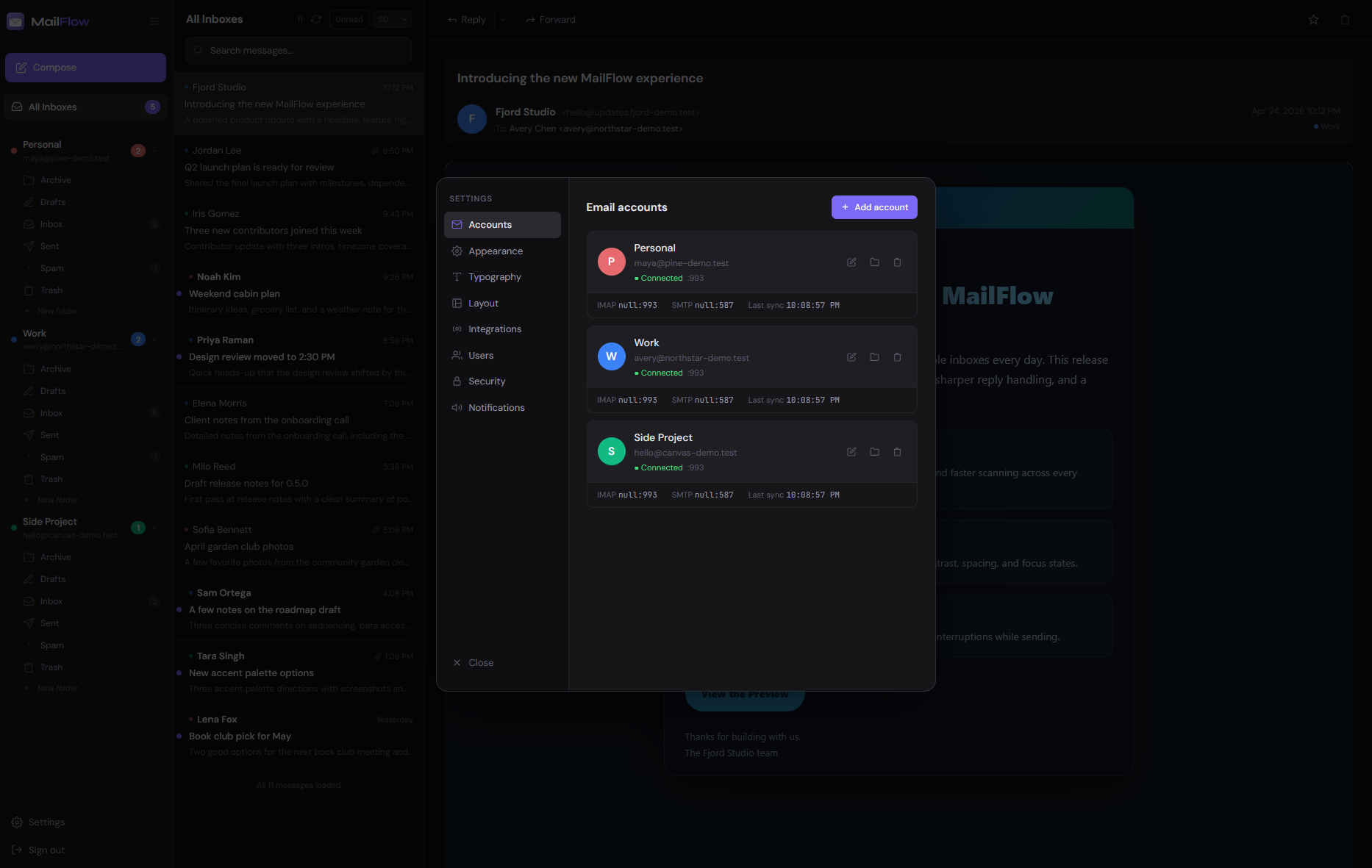
Gmail, iCloud, Outlook, Fastmail, or your own mail server. If it speaks IMAP, it works.
TOTP 2FA with Google Authenticator, Authy, or any compatible app. Your accounts stay yours.
Your webmail runs on your own server. No third-party clouds, no data harvesting, no subscriptions.
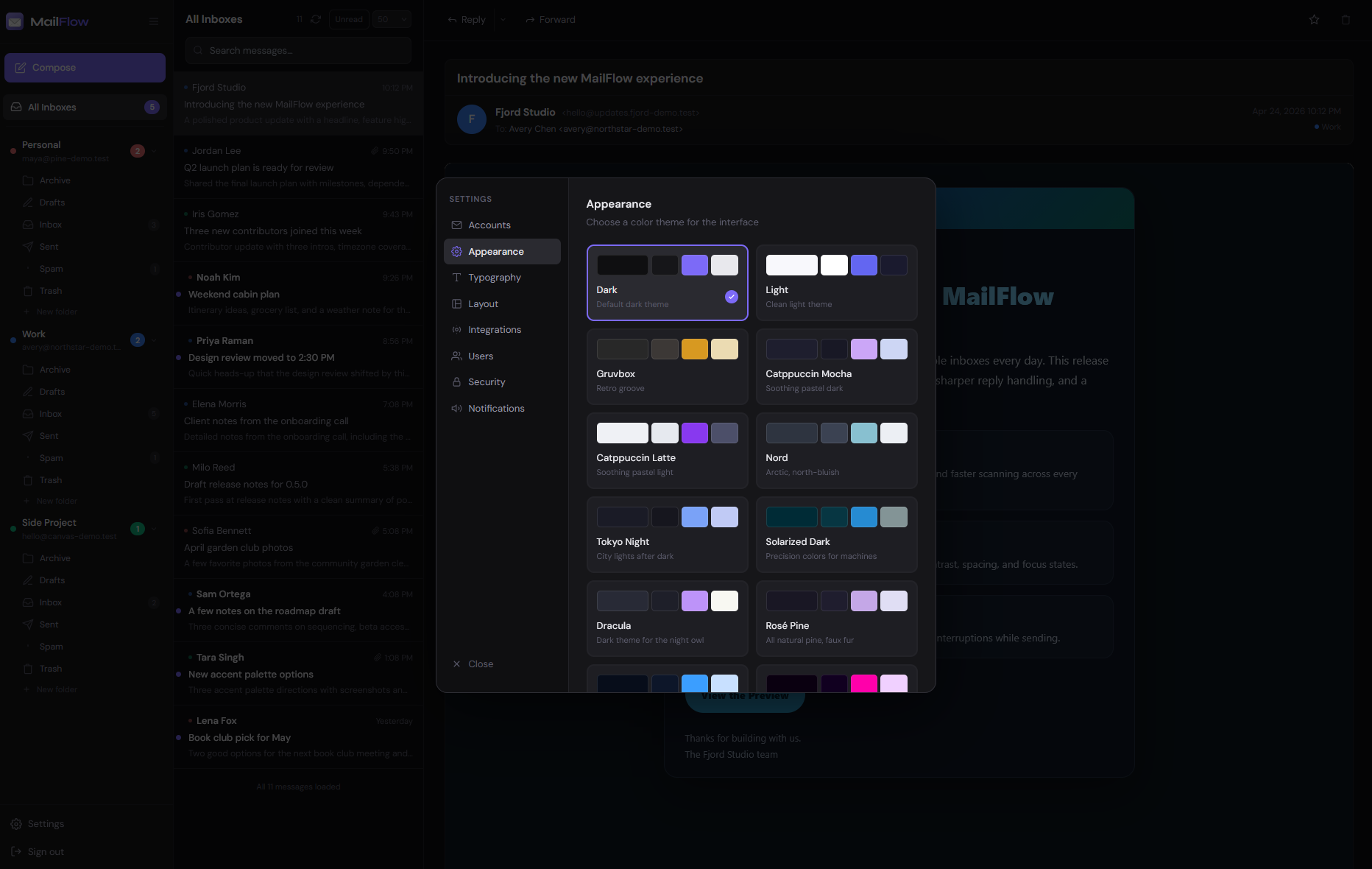
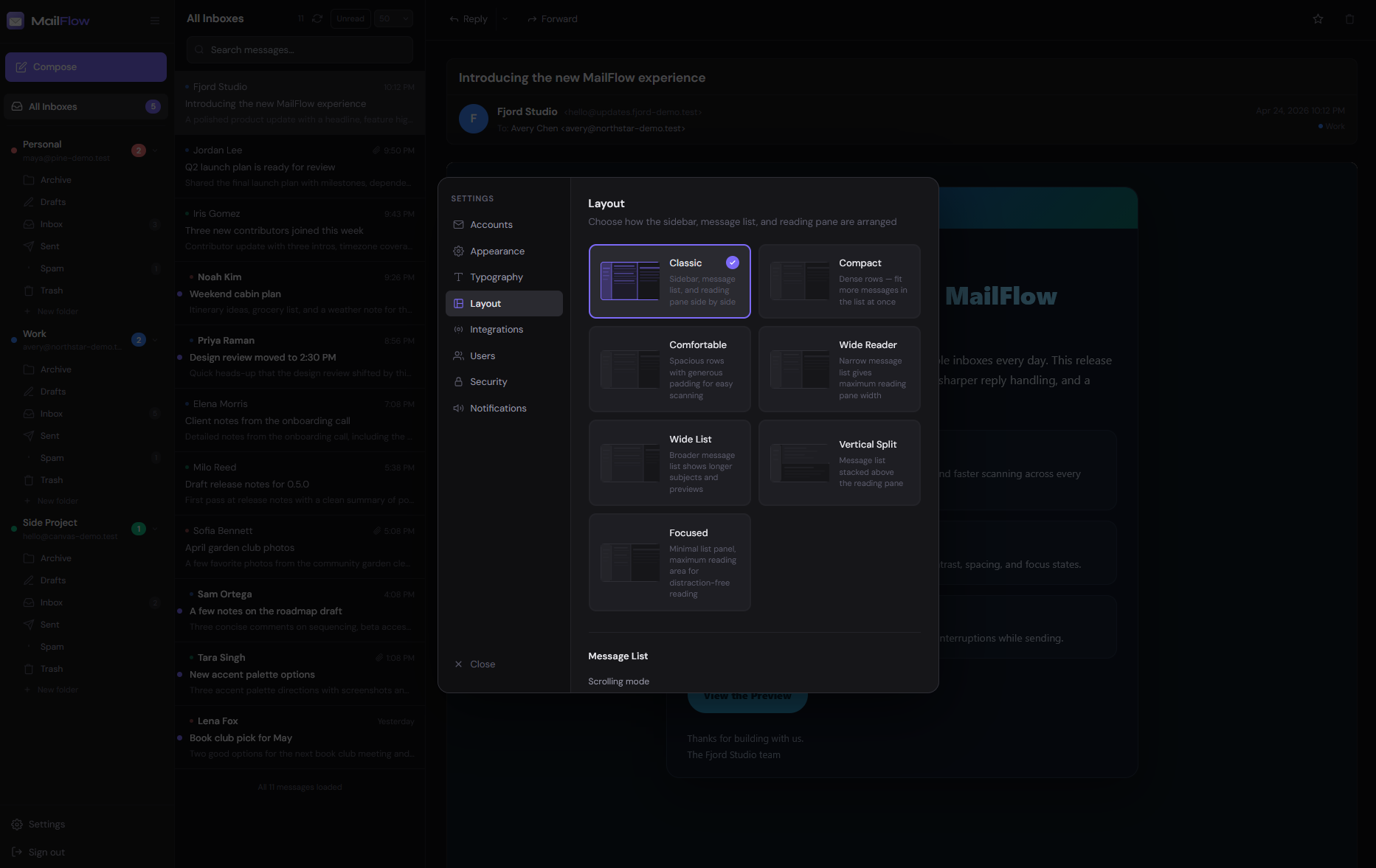
Dark mode, light mode, multiple color schemes, typography controls, and flexible layouts.
Instant search across every connected account simultaneously, powered by PostgreSQL.
New mail appears the instant it arrives via WebSocket. No polling, no manual refresh.
Docker Compose gets you from zero to a running inbox in under five minutes.
No complex configuration. No ops expertise required.
Grab the repo and fill in two secrets — a session key and a database password. Everything else has sensible defaults.
# Clone the repository
git clone https://github.com/maathimself/mailflow
cd mailflow
# Create your config file
cp .env.example .env
One command starts everything — the app, database, Redis, and a reverse proxy that handles HTTPS automatically.
# Build and start all services
docker compose up -d --build
# First build takes ~3 minutes
# Caddy handles TLS automatically
Register the first user — they become admin automatically. Then connect your email accounts from the settings panel.
# Supported providers
Gmail → App Password
iCloud Mail → App-Specific Password
Outlook → OAuth2 / App Password
Custom IMAP → Any server
Your inbox contains your most sensitive communications. MailFlow was built with security in mind from day one — because when your webmail runs on your own server, you deserve to know exactly how it's protected.
And because MailFlow is open source, you don't have to take our word for it. Read the code. Audit it yourself.
Read the source →A server with Docker installed is all you need. Caddy handles TLS certificates from Let's Encrypt automatically — no manual cert setup.
# 1. Get the code
git clone https://github.com/maathimself/mailflow
cd mailflow
# 2. Configure — only two values required:
# SESSION_SECRET → openssl rand -hex 32
# DB_PASSWORD → openssl rand -hex 16
cp .env.example .env
# 3. Launch (first build ~3 min, then instant)
docker compose up -d --build
Then open your server's address in a browser. The first account registered becomes admin.